Selling your old laptop or desktop can be a great way to recoup value and clear space. But if you jump straight into listing it online, you could expose personal data, lose valuable files, or miss out on better resale value. Taking a few careful steps before you hand over your device protects your privacy and improves your chances of a smooth sale.
Here’s a practical checklist to prepare your device and ensure a clean, secure transition to its next owner.
1. Back Up Your Data (And Verify It’s Complete)
Before anything else, back up all your important files. This includes documents, photos, videos, and anything you’ll want on your new device.
Backup Options
-
Cloud storage (Google Drive, iCloud, OneDrive)
-
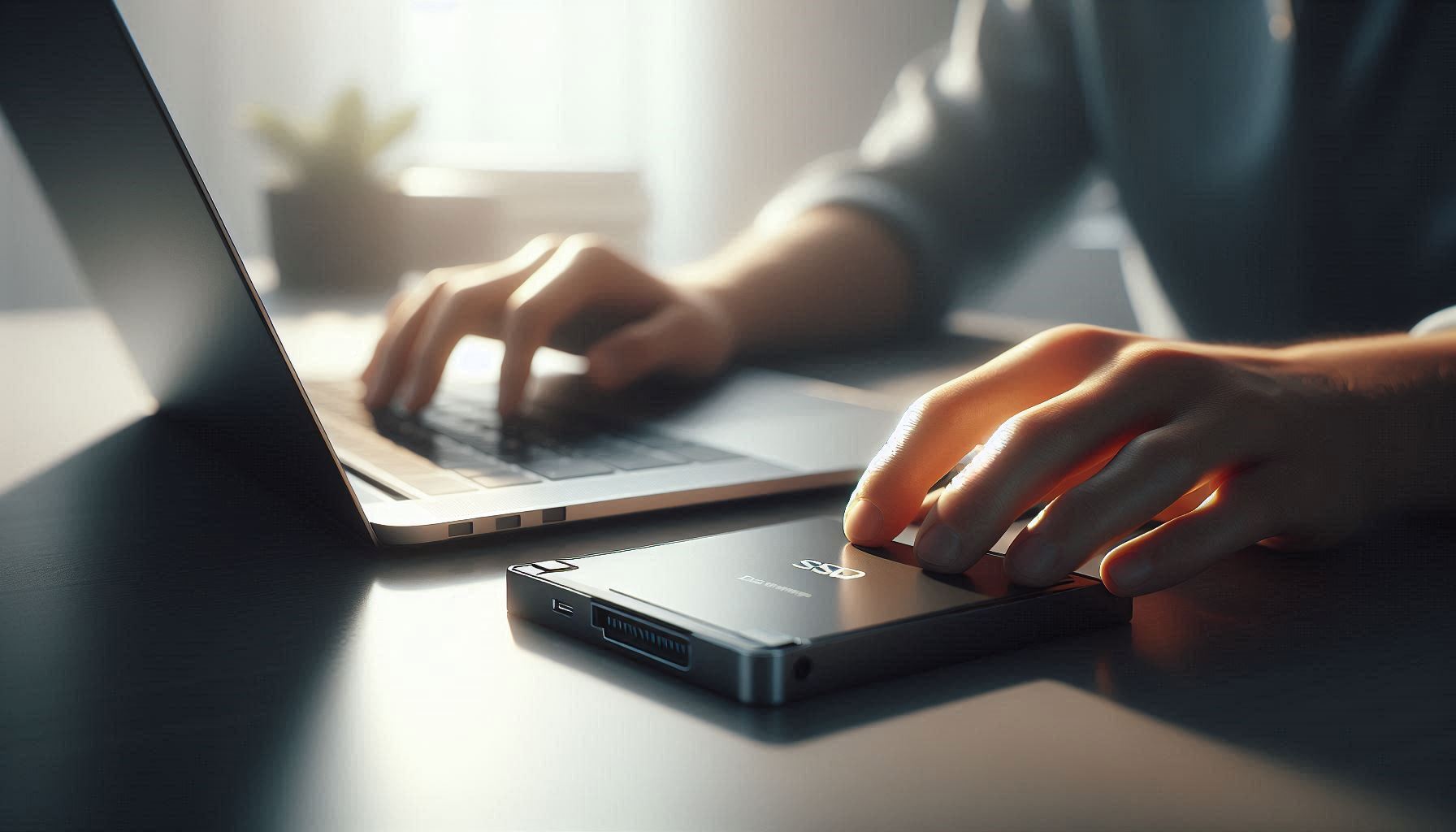
External hard drives or SSDs
-
Direct device-to-device transfer
Once the backup is complete, go through key folders and confirm that everything you need is accessible and intact.
2. Sign Out of Accounts and Deauthorize Services
Before wiping the system, make sure you sign out of all accounts tied to the machine:
-
Email accounts
-
Messaging services
-
Subscription apps (Office, Adobe, etc.)
-
Social media platforms
-
Cloud storage apps
Also take time to deauthorize or unlink the device from services where you have limited licenses. That makes those licenses available for your new device without interruption.
3. Steer Clear of Factory Reset Mistakes
A factory reset erases your data — but only if done correctly.
For Windows PCs
Use the “Reset this PC” feature and make sure to choose the option that fully wipes data, not just the operating system. Quick resets can leave data recoverable.
For Macs
Boot into Recovery Mode and use Disk Utility to erase the drive securely before reinstalling macOS. This ensures a clean state for the next owner.
4. Wipe the Drive Securely
Simply deleting files isn’t enough — they can still be recovered using basic tools.
Best practices include:
-
Full drive wipe tools that overwrite data securely
-
Reformatting the system disk in a way that removes remnants of old files
-
Using built-in OS features for secure erasure if available
That ensures your personal data can’t be resurrected by savvy buyers.
5. Remove Physical Identifiers
Make sure you take out any physical items linked to your identity:
-
Name or address stickers
-
Asset tags
-
School, work, or enterprise labels
You want the new owner to receive a clean device without personal markings.
6. Clean the Exterior and Accessories
A clean device is more attractive and often worth more.
Quick tips:
-
Wipe down screens and casings
-
Use compressed air to clear dust from vents and keyboards
-
Include essential accessories (charger, cables)
-
Replace missing screws or loose feet
This small effort can help you get better offers and faster sales.
7. Take Good Photos for Your Listing
People buy with their eyes first. Quality photos can significantly increase interest and price.
Include:
-
Shots from multiple angles
-
Close-ups of ports, keyboard, and hinges
-
Any accessories or original packaging
-
Any signs of wear or scratches
Honest photos help build trust with buyers and reduce return requests.
8. Choose the Right Selling Channel
Different platforms attract different buyers:
-
General marketplaces (broad audience)
-
Tech-specific forums (enthusiasts)
-
Refurbishers (bulk or quick sales)
Each platform has pros and cons related to fees, speed, and reach. Research before posting.
9. Be Transparent in Your Description
When writing your listing:
-
Include model name and specs
-
Describe any cosmetic wear
-
Mention battery health if applicable
-
Note warranty status or remaining coverage
Honest descriptions build trust and help you avoid disputes.
10. Meet Safely With Buyers
If selling in person:
-
Choose a public meeting spot
-
Bring a friend if possible
-
Confirm payment before releasing the device
Safety matters as much as data security.